Claude Team Plan: Pricing, Admin Console and Setup

AI summary
- Claude Team costs $25 per standard seat monthly or $20 annually, with premium seats at $125 or $100, serving organizations of two to 150 people.
- I moved my setup to Claude Team on November 1, 2026 after using Claude Code as control center for more than 100 SEO projects for months.
- Claude Team provides central billing, single sign-on, admin console, shared projects and server-managed settings that apply uniformly across the organization without device management.
- Claude Enterprise adds role-based access, SCIM, audit logs and compliance features with $20 per seat plus API usage billing and 20 seat minimum.
Generated with AI, the details are in the article.
Table of contents
Claude Code series, all parts:
Guide series
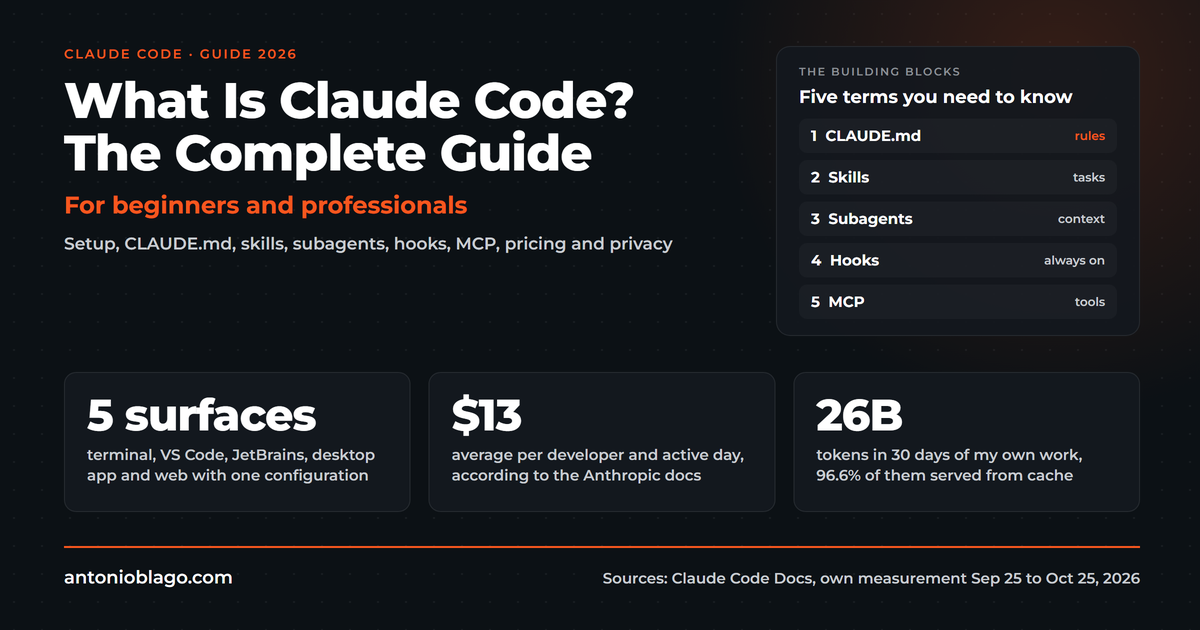
- What is Claude Code? The complete guide
- How to set up Claude Code: a guide for beginners
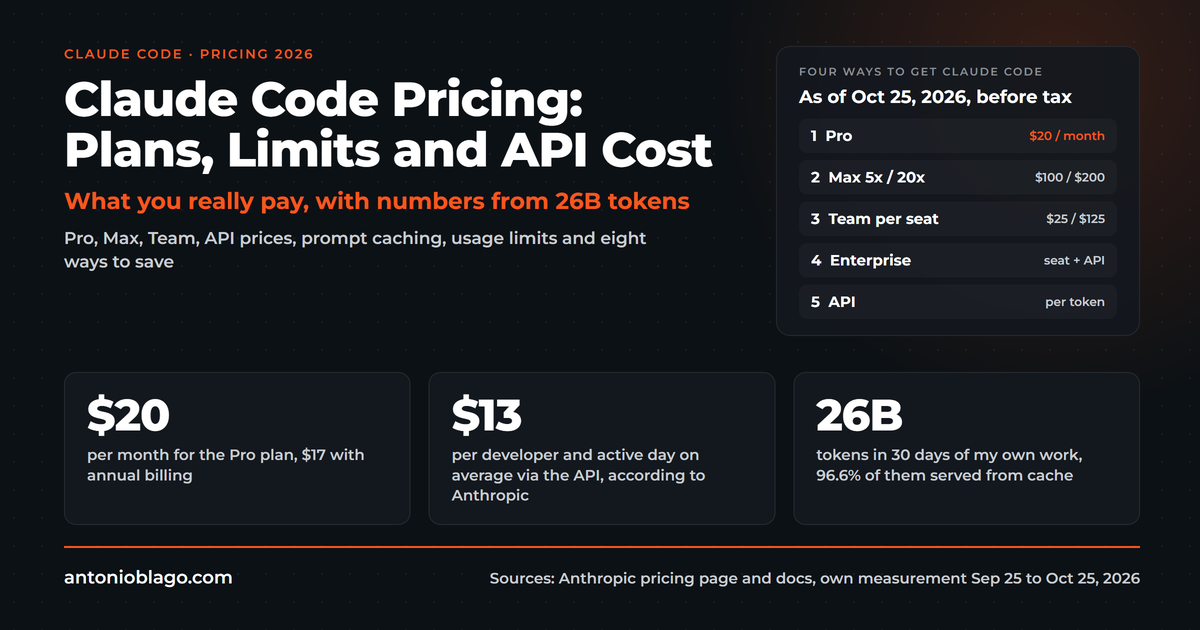
- Claude Code pricing 2026: plans, limits and API cost
- Best Claude Code skills for developers
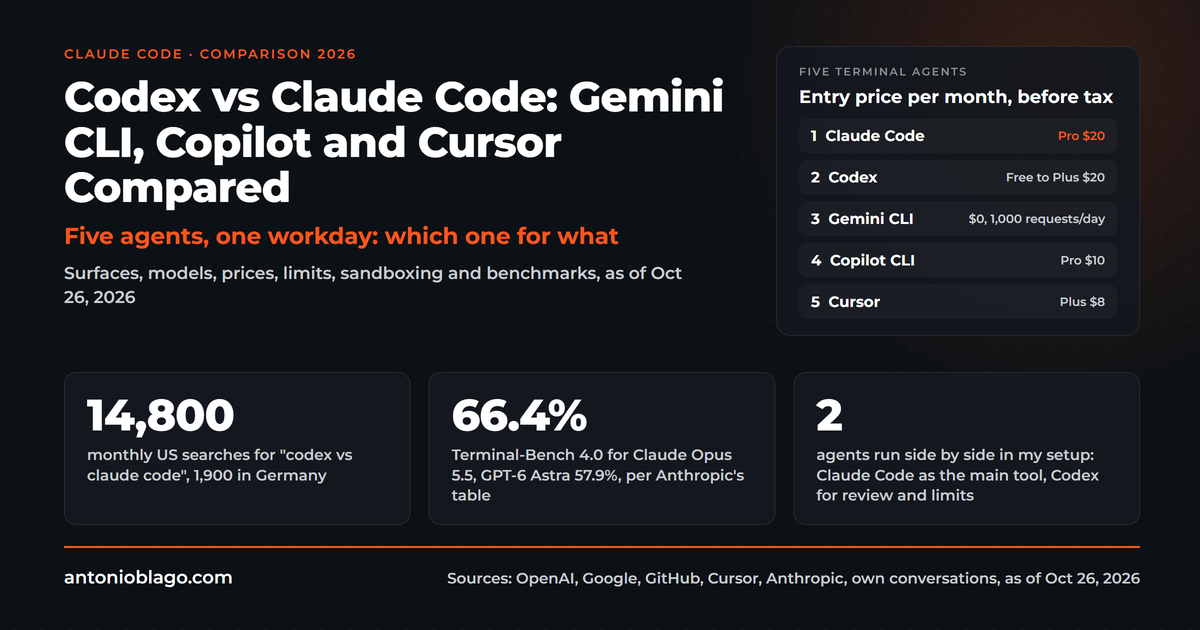
- Codex vs Claude Code: Gemini CLI, Copilot and Cursor compared
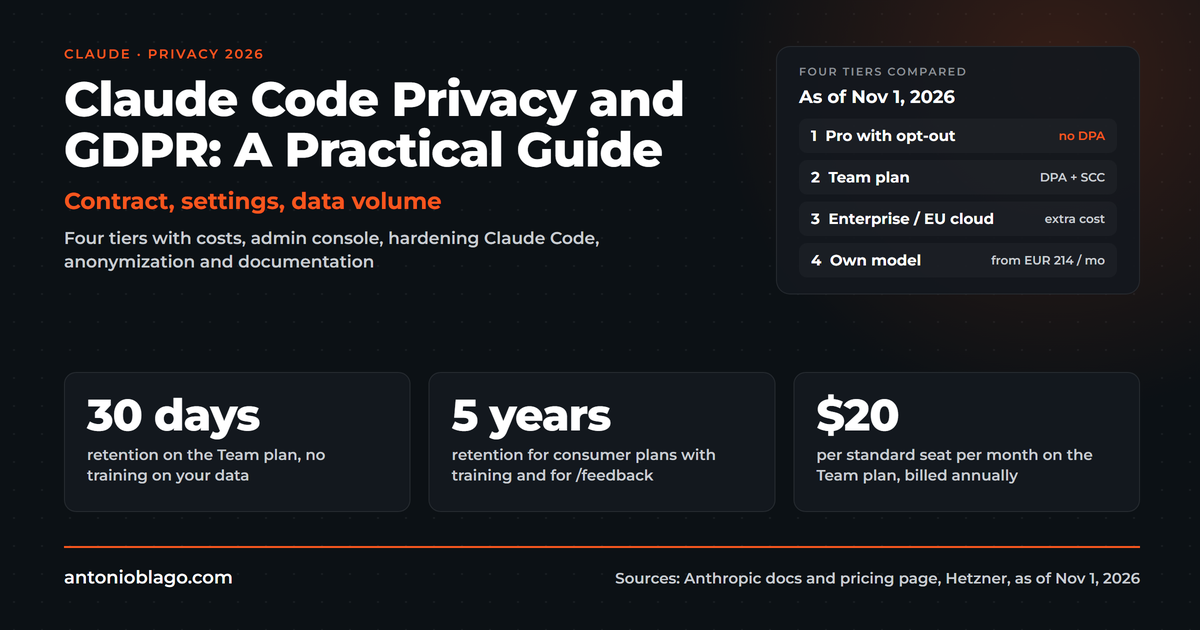
- Claude Code privacy and GDPR: a practical guide
- Claude Team plan: pricing, admin console and setup (this article)
From practice
- Agentic SEO systems 2026: Claude Code as an SEO control center
- Agentic engineering: 100+ SEO projects solo with AI
- Claude skills in practice: winning the Peec AI MCP Challenge
- Build an online shop with Claude Code: Happy Coffee
Studies
Be Ahead newsletter
Five people with five single subscriptions are not a team. Everyone has their own CLAUDE.md, their own prompts and their own mistakes, and what one person learned never reaches the next. Shared rules, shared skills and centrally managed settings turn this artificial intelligence assistant into a tool for the whole team. I have used Claude Code as the control center for more than 100 SEO projects for months, and on November 1, 2026 I moved my setup to the Claude Team plan[11]. This article covers what Claude Team costs, which features the Team plan from Anthropic offers, where Claude Enterprise starts and how you roll Claude out in a company. Methodology: I checked every statement about pricing, seats and admin features against Anthropic's primary sources on November 1, 2026 and tried the settings in my own Team account. Treat it as a practical report from my own rollout.
What Claude Code is, I explain in the Claude Code guide. The privacy side gets its own article, Using Claude in a GDPR-compliant way.
What Is the Claude Team Plan and How Does It Work?
Claude Team is the Team plan from Anthropic for organizations of two to 150 people. Instead of every person buying their own subscription, you get one organization with central billing and central administration. Members get seats, sign in with single sign-on and work in a shared company workspace that supports collaboration. Claude Code is part of the Team plan[1]. Anthropic provides an admin console for this, and all features, meaning chat, projects, connectors and the coding CLI, are available to members in one organization.
In daily work the Team plan changes three things compared with a single subscription. First, admin settings apply to everyone. Second, projects and chats can be shared inside the organization. Third, the plan distributes skills and connectors across the organization, which makes collaboration easier because nobody maintains a private version[1]. That is the core of team administration: set the rules once instead of explaining them five times.
Setup is unspectacular. One person creates the organization and becomes the owner, invites members by email and picks a standard or premium seat for each person. Seats can also be added mid-term[1]. After that comes the part that really matters, the setup of rules and settings, which I describe below.
Claude Team vs Claude Enterprise: Pricing, Features and Privacy Compared
Anthropic sells two business plans: Claude Team and Claude Enterprise. Both belong to Anthropic's commercial products. For those, Anthropic does not use inputs and outputs to train its models by default, unless someone submits them as feedback, for example with the thumbs-up button[12]. Single plans such as Claude Pro and Claude Max fall under the consumer terms instead, even when someone codes with them[12]. For companies that is the most important reason not to use single plans for business content. It does not replace a GDPR assessment; more on that in the privacy article.
| Plan | Price per seat and month | Fits |
|---|---|---|
| Pro / Max (single) | $20 to $200 | Individuals, no central administration |
| Team, standard seat | $25, or $20 billed annually | Teams of two or more, chat and occasional coding |
| Team, premium seat | $125, or $100 billed annually | Developers and power users, five times the usage of a standard seat |
| Enterprise | $20 per seat plus usage at API rates | Organizations with compliance requirements, 20 seats minimum |
What Does Claude Team Really Cost per Month and User?
A standard seat costs $25 per month billed monthly and $20 billed annually. A premium seat costs $125 or $100 and gives five times the usage of a standard seat[1]. Standard and premium seats can be mixed. In practice, people who code all day get a premium seat, everyone else a standard seat. The pricing also includes pooled API credits of up to $500 per month that the team shares[1]. Billing runs monthly or annually through the organization. What this costs under real usage, I worked out with my own measurements in the article on Claude Code pricing. I did not find a free trial for Claude Team on Anthropic's pricing page. The free plan, Claude Free, stays a way to get to know the assistant and has no coding CLI[8].
Claude Team or Several Claude Pro Accounts?
On paper, a standard seat billed annually costs the same as Claude Pro, $20. If you already pay for several Pro accounts, the Team plan costs only $5 more per seat on monthly billing, and you get central billing, single sign-on, admin control and the legal framework of the commercial products[1][12]. For teams of two or more, switching almost always pays off once client information or internal documents are involved. How many users do you need to book Claude Team? Two, and the plan tops out at 150 seats. A startup with three people fits the plan well. Someone working alone as a sole proprietor stays with Claude Pro or Claude Max, because Claude Team needs at least two seats.
Usage limits differ as well. According to Anthropic, a standard seat includes more usage than Claude Pro, and a premium seat five times the usage of a standard seat[1]. The pricing page names no concrete amounts per seat. The features differ mostly in administration: single sign-on, central billing and admin control exist only in an organization.
When Does Claude Enterprise Make Sense?
Claude Enterprise adds what the Team plan lacks: role-based access, SCIM for automatic user management, audit logs, a compliance API, custom data retention, IP allowlisting and domain capture[1]. Admins can also set spend limits. The seat price is $20, usage is billed at API rates, so by consumption, and a minimum of 20 seats applies[1]. Anyone who wants control over API access and usage-based billing should plan a budget for it. For agencies and mid-sized companies up to about 50 people, Claude Team is usually the right choice. You move to Claude Enterprise when your data protection officer asks for audit logs, when IT wants to provision users through SCIM or when you must meet requirements such as HIPAA. How this affects the privacy levels is covered in the privacy article.
Decision Matrix: Which Plan for Whom?
If you want to decide quickly, this plan comparison helps. It is a first selection guide and no replacement for advice[1].
| Situation | Fitting plan | Why |
|---|---|---|
| Working alone, no company content | Claude Pro or Max | cheap, no administration needed |
| 2 to 50 people, agency or mid-sized company | Claude Team | central billing, single sign-on, shared skills |
| 20 seats or more with compliance duties | Claude Enterprise | audit logs, SCIM, role-based access |
Who Is Claude Team For: Marketing, Agencies, Developers?
Claude Team fits agencies, in-house marketing teams, development teams and small companies that use Claude regularly and together. The benefits of the subscription lie in administration: one billing contact, single sign-on, shared skills and projects, managed settings for the CLI and analytics. Whether a switch pays off depends less on team size than on whether people really use the tool every day. I deliberately did not calculate comparisons with ChatGPT Team or Microsoft Copilot, because prices and features change quickly there. Check them on the vendors' pages before deciding; the questions stay the same: who administers, who pays, who sees which content.
The Admin Console: Central User Management and Team Administration
The real difference from single plans lies in the admin settings. There you decide once what applies to everyone. That is also the answer to how users and permissions are managed in the Claude Team plan: through one central console where owners control members, seats and settings.
Sharing by Client and Project
Chats and projects can be shared inside the organization. I recommend switching off sharing with the whole organization and public projects. Then each person shares only with colleagues who work on that client. That matches the principle that only people working on a project see its content. How I set the individual switches is described in the privacy article.
Managed Settings for Everyone
"Centrally configure Claude Code for your organization through server-delivered settings, without requiring device management infrastructure."
Anthropic documentation, Server-managed settings[4]
Under Organization settings › Claude Code › Managed settings, an owner stores a settings.json that applies to every member who signs in with the Team account. According to Anthropic, you need the Owner or Primary Owner role[4]. The client fetches the settings at startup and checks for changes hourly afterwards[4]. They take precedence over anything someone enters locally[3]. Typical contents are read blocks for .env files, a disabled bypass mode and a list of forbidden commands:
{
  "permissions": {
    "deny": ["Read(./.env)", "Read(./.env.*)", "Read(./secrets/**)"],
    "disableBypassPermissionsMode": "disable"
  }
}
Nobody on the team has to remember it, it simply applies. Anthropic names two limits itself: the settings apply uniformly to the whole organization, per-group rules do not exist yet, and they act as a protective layer on the computer and give no hard security boundary[4]. On devices under device management you can additionally place the same rules as a file on the machines. Whether the settings actually reach a person is shown by claude doctor in the line "Managed settings (remote)"[4].
Plugin Marketplace for the Organization
Skills, agents and hooks can be bundled as plugins and distributed through a marketplace. According to Anthropic, a marketplace is simply a Git repository with a .claude-plugin/marketplace.json file, and it may be private[5]. In the admin settings you can register such a marketplace for the whole organization and decide which plugins are active for everyone[6]. New employees then have the same tools as everyone else from day one.
Seeing Usage: Analytics
Admins see in Anthropic's analytics dashboard how many people actively use the CLI, how many sessions run and how many suggested lines of code are accepted, with CSV export[7]. I use something like this to see whether a rollout lands at all. Monitoring individuals is not the purpose. If you have a works council, this exact point needs to be discussed beforehand.
Shared Knowledge: Sharing CLAUDE.md, Rules and Skills
The biggest lever in a team is shared knowledge. How can a team work together most effectively with Claude Team? By storing knowledge where the tool reads it at every start. It offers several levels for this.
The CLAUDE.md Levels
According to Anthropic's documentation, the CLI reads several CLAUDE.md files at startup and merges them[2]:
- Managed: one central file the company places on all machines, on Windows for example
C:\Program Files\ClaudeCode\CLAUDE.md. With server-managed settings, the same text can also be delivered through theclaudeMdkey[4]. - Personal:
~/.claude/CLAUDE.md, applies to all your own projects. - Project:
./CLAUDE.mdin the repository, lands in Git and applies to everyone working on it. - Local:
./CLAUDE.local.md, personal additions to the project, belongs in.gitignore.
A CLAUDE.md can import other files with @path/to/file.md, up to four levels deep[2]. That turns CLAUDE.md into an index: it points to rules for writing, code, deployment or clients instead of containing everything itself. This matters because the documentation warns of weaker adherence beyond roughly 200 lines[2]. Rules that only apply to certain folders can also live in .claude/rules/[2].
Skills and Plugins for Everyone
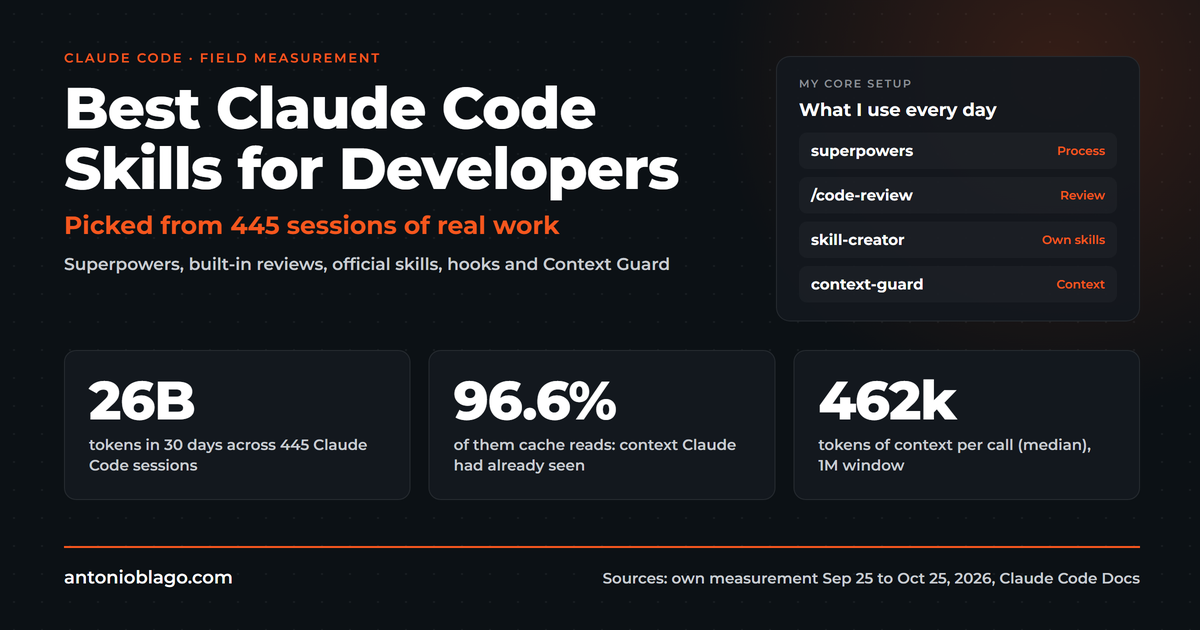
Skills are reusable workflows, such as "create an offer", "follow up a meeting" or "write a blog article". If they live in the project under .claude/skills/, everyone who checks out the repository has them. If they should apply across projects for everyone, you package them as a plugin in the organization's marketplace[5][6]. How I build my own skills is described in Claude Code skills for developers.
Collecting Learnings Without Chaos
In the LinkedIn comments recently, someone asked how to merge the learnings of several people, meaning the rules Claude derives from mistakes[10]. My first idea was a script that collects all learnings daily and merges them centrally. The simpler answer is more honest: the shared learnings live in a Git repository, and new or changed rules go through a review, for example a pull request. A script may propose new learnings, but it should not overwrite automatically. Otherwise a bad rule replaces a good one, or two contradicting rules sit side by side.
Here is how it looks for me: my learnings are clustered by topic in files, such as writing and style, Git and shell, deploy, tests. The global CLAUDE.md only points to this index. A daily sync at 6:30 pm commits my own skills and roles to GitHub and mirrors them into Codex, so both agents work with the same instructions[11]. In a team I would turn this into a shared repository that each person includes through an import.
Setup per Computer: Windows and Mac
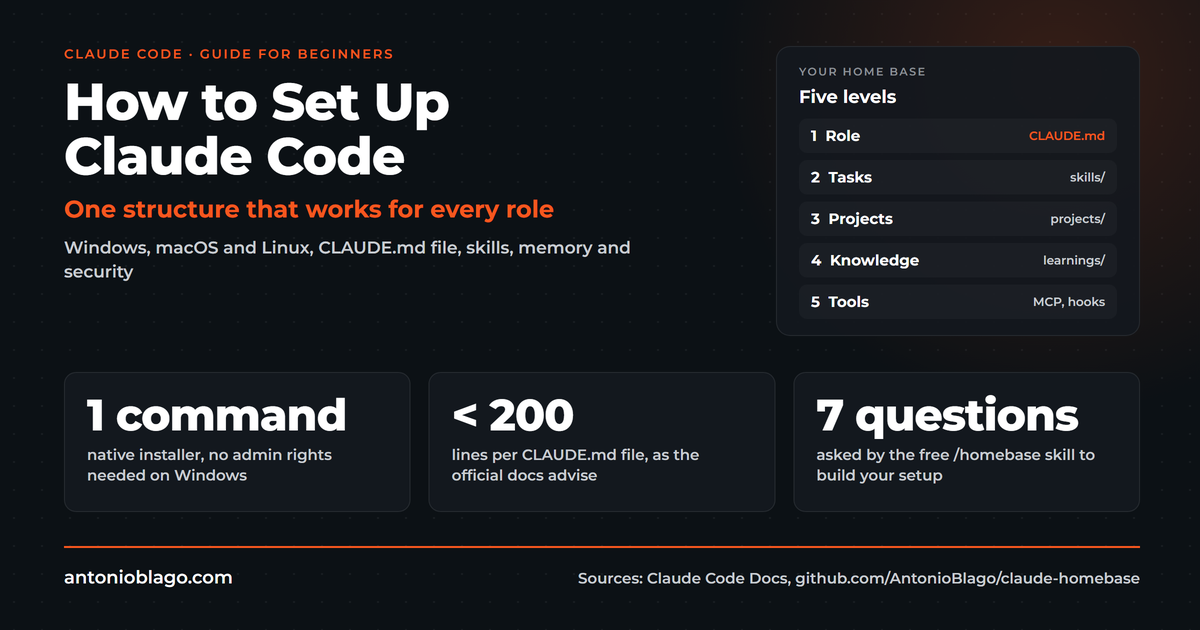
For shared rules to work, every computer needs the same foundation. Anthropic offers Claude Code natively for Windows 10 and later, for the Mac and for Linux[8]. Installation takes one line:
# macOS, Linux, WSL
curl -fsSL https://claude.ai/install.sh | bash

# Windows PowerShell
irm https://claude.ai/install.ps1 | iex
On Windows, Git for Windows is optional. Without Git, the CLI uses PowerShell, with Git it uses Git Bash[8]. I work with both, because many examples online assume Bash. If you want to use the sandbox, you need WSL 2 on Windows[8]. A detailed walkthrough is in the article How to set up Claude Code.
For a team, the separation of shared and personal settings counts[3]:
.claude/settings.jsonin the project: shared permissions, hooks and plugins, goes into Git..claude/settings.local.json: personal exceptions, stays local.- Credentials in a
.envoutside Git, never in settings or in chat.
A short case study from my own rollout shows why credentials matter so much. When I moved to the Team plan, I went through my settings and found that over months an access key had piled up in plain text inside an allow rule[10]. That happens when you confirm rules with a click. Since then, a settings check is part of every rollout.
My practical tip: create a starter repository with folder structure, CLAUDE.md, skills, hooks and a short guide. New team members clone it, install the CLI and work with the same rules as everyone else after an hour.
Rollout in the Team: Rules Instead of Bans, in Four Steps
Technology is the easy part. The rollout is harder. In a conversation in October, the topic was employees signing an AI policy that bans the tool entirely and then feeling neither capable nor productive[10]. Bans rarely stop usage, they move it to private accounts. Clear rules work better: which plan, which content, which approvals. In marketing, search data from Google Search Console and analytics is rarely highly sensitive, while regulated settings with customer or health information need a stricter setup.
A small start has proven itself. In a coding session in July we saw how well coding agents work with fixed rules in the repository once the company has a business account[10]. My suggestion for the rollout:
- Step 1: Start with two or three seats and a real project from marketing or development.
- Step 2: Record rules, skills and settings in the repository, not in people's heads.
- Step 3: After four weeks, evaluate what saved time and which rules are missing.
- Step 4: Roll out to the team with managed settings and a plugin marketplace.
If you have to explain this to a manager, calculate with the numbers from the pricing article: a standard seat for $20 to $25, a pilot over four weeks, a clear evaluation date. That is a manageable risk, and the pilot supplies the arguments for the decision.
And do not forget training: since February 2, 2025, companies that use AI must ensure sufficient AI literacy among their people[9]. An introduction to the shared setup is a good start.
Conclusion
Working as a team with Claude succeeds when three things come together: a Team or Enterprise plan with central administration, shared knowledge in CLAUDE.md, rules and skills in a Git repository, and the same foundation on every computer. Claude Team from two seats is the right entry for most agencies and mid-sized companies; Claude Enterprise joins when compliance features such as audit logs or SCIM become mandatory.
If you want to roll this out in your team and need support: in sparring I accompany teams on an ongoing basis, and in the PowerSession we set up your basic setup in 90 minutes. If you want to do it yourself, the course "Claude Code Setup for Teams" in the members area covers every step for Windows and Mac, with starter repository, CLAUDE.md template, example skills, hooks and scripts.
All parts of the Claude Code series:
Guide series
- What is Claude Code? The complete guide
- How to set up Claude Code: a guide for beginners
- Claude Code pricing 2026: plans, limits and API cost
- Best Claude Code skills for developers
- Codex vs Claude Code: Gemini CLI, Copilot and Cursor compared
- Claude Code privacy and GDPR: a practical guide
- Claude Team plan: pricing, admin console and setup (this article)
From practice
- Agentic SEO systems 2026: Claude Code as an SEO control center
- Agentic engineering: 100+ SEO projects solo with AI
- Claude skills in practice: winning the Peec AI MCP Challenge
- Build an online shop with Claude Code: Happy Coffee
Studies
Be Ahead newsletter
Sources
- Anthropic: Claude Pricing, accessed November 1, 2026
- Official documentation: Manage Claude's memory, accessed November 1, 2026
- Official documentation: Settings, accessed November 1, 2026
- Official documentation: Server-managed settings, accessed November 1, 2026
- Official documentation: Plugin marketplaces, accessed November 1, 2026
- Official documentation: Plugins for organizations, accessed November 1, 2026
- Official documentation: Track team usage with analytics, accessed November 1, 2026
- Official documentation: Set up Claude Code, accessed November 1, 2026
- European Commission: AI Literacy, Questions & Answers, accessed November 1, 2026
- Own conversations with clients, prospects and developers and LinkedIn comments, July to November 2026, transcripts stored locally, anonymized
- Own setup: Team plan since November 1, 2026, daily skill sync through Git, learnings by topic, as of November 1, 2026
- Anthropic Privacy Center: Is my data used for model training?, accessed November 1, 2026
Visibly AI: your SEO copilot
Projects, rankings, Search Console data and a copilot that runs the analysis for you. Start for free.

About the Author: Antonio Blago
SEO Freelancer & AI Visibility Expert
I optimize SEO data-driven with Python, behavioral psychology, and my Neuro-SEO System®. On YouTube, LinkedIn, and Instagram I share hands-on tutorials, insights, and SEO strategies.