Microsoft Copilot Agents Creating: Workshop at Paroc

AI summary
- In April 2026, a two-day workshop built Microsoft Copilot agents for a German B2B sales team solving real sales pain points in proposals, inquiries, and complaints.
- Day 1 focused on needs analysis before tool demonstration, identifying that the team spent significant time on tasks like proposal writing and inquiry handling that automation could streamline.
- A master prompt agent concept was created to build other agents, keeping quality consistent across the team without requiring prompt engineering expertise from every member.
- Four concrete agent types delivered immediate impact: proactive customer communication, difficult emails, proposal overviews, and inquiry classification with measurable improvements in lead routing and triage time.
Generated with AI, the details are in the article.
Table of contents
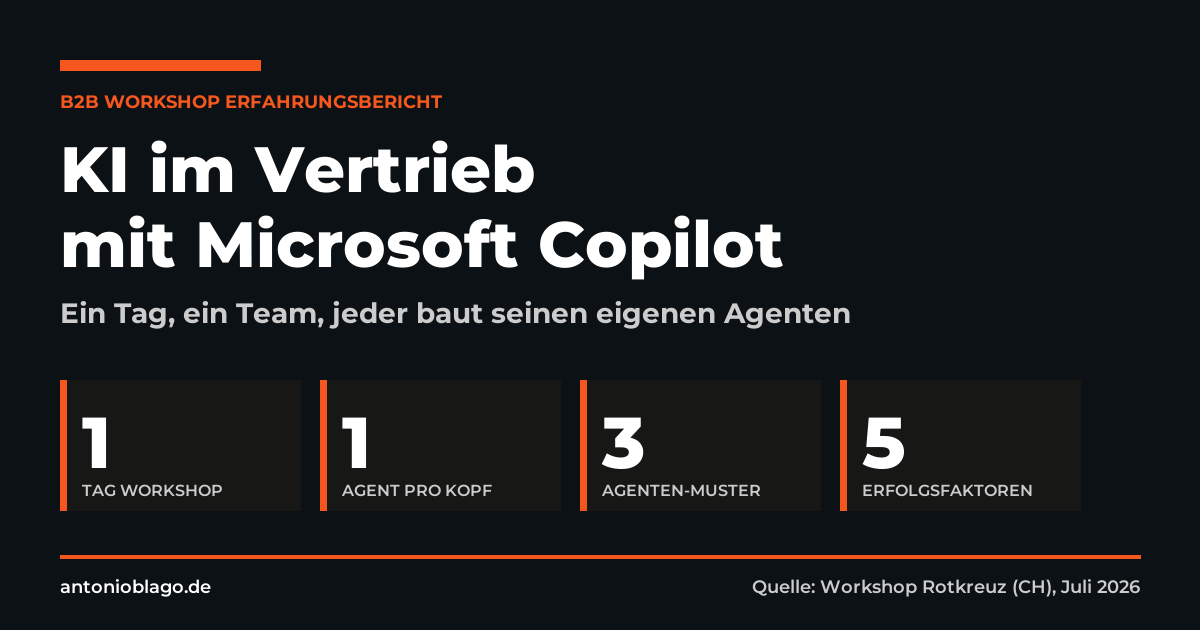
"Before this, AI was just a possibility for me. Now I know what it can really do." – I heard this sentence at the end of day 2 of our Copilot workshop at Paroc. It captures in one sentence what workshops like this are for: transforming AI from an abstract idea into a tool that genuinely saves time in everyday sales work.
In April 2026, I spent two days with a German B2B sales team building Microsoft Copilot agents that solve real sales pain points – not just fill demo slides. This article is the high-level version: the approach, the master prompt concept, the five takeaways – everything you can apply yourself if you're planning something similar for your team.
Why run a Copilot workshop at all?
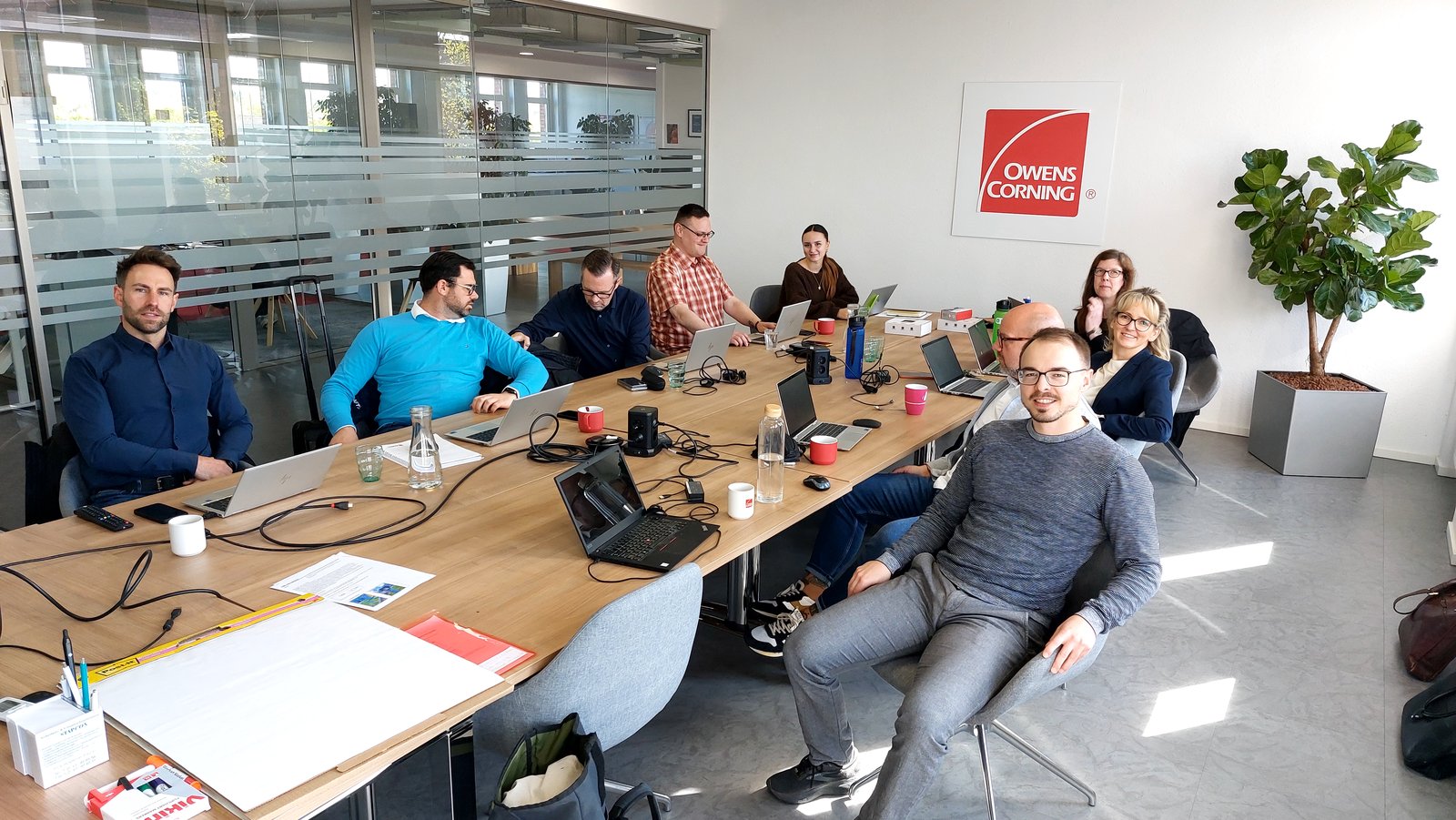
The room held a mixed team from field sales, inside sales, tender management, and marketing. Some were already using Copilot regularly for important emails and meeting summaries; others had never actively written a prompt. This mix is the norm in B2B teams – and that's exactly where the work begins.
The trigger wasn't top-down AI enthusiasm, but a concrete problem: proposals, inquiries, complaints, research – every one of these tasks takes time that's missing elsewhere. That's exactly where automation can make a real difference.
Day 1: Needs analysis before tool demo
Over the past few months I've seen too many AI workshops that start with a ChatGPT screenshot and end with the question "So what do we do with this now?" At Paroc, I deliberately took the opposite approach: Day 1 was needs analysis, Day 2 was building.
We took the time to ask the simple questions: How do inquiries come in? Who makes decisions on the customer side? What ultimately tips a purchasing decision – technology, price, relationship? And where does the team spend the most time today on things they wouldn't mind giving up?
For Copilot, this means: no agent in the world replaces a phone call or a customer relationship. But what it can do is streamline the preparation and follow-up of those calls so much that more time is left for the actual conversation.
An honest assessment of where things stand – who on the team uses Copilot today, for what, and at what level of maturity – was the most important moment of day one for me. Anyone who wants to build Copilot agents without knowing where their team stands will either build something too simple ("we already do that in our heads") or too complex ("I don't get it, I'll never use it"). Either way, it's money down the drain.
Day 2: How AI works – and what a good prompt looks like
Day 2 started with a short theory block. Not out of love for slide marathons, but because without a mental model, every prompt is just an act of faith. The three core messages:
- AI is an answer machine, Google is a search engine. With AI you get two or three recommendations; with Google you get ten links and have to filter them yourself.
- Language models work with probabilities. Where the model has no information, it makes something up. Hallucination isn't a bug – it's how the system works.
- Context is everything. The more role definition, goals, examples, and negative instructions a prompt contains, the more reliable the output.
The bad prompt "Write a text about X" produces generic output. A good prompt contains six building blocks: role ("You are a sales consultant for industry X"), context (brand, target audience, background), goal (format, length, desired effect), approach (step by step), negative instructions (what must not happen), and examples (templates, references).
Markdown is your secret weapon:
**asterisks**signal importance to the AI,# headingsstructure the briefing,[square brackets]make placeholders reusable. Once you've internalized this, you'll build better prompts in half the time.
Creating Microsoft Copilot agents: the master prompt concept
An agent in Microsoft Copilot is nothing more than a pre-configured prompt for a recurring task. Instead of typing out the role, context, and goal every time, all of that lives inside the agent. One click, fill in the variables, done.
The trick I recommend in the workshop: before the team builds their own agents, create one master prompt agent. Its only job is to create other agents. You give it the task and the goal, and it returns a finished prompt with placeholders. This keeps agent quality consistent across the team – and no one needs to know prompt engineering by heart.
How visible is your brand really?
Before you deploy AI in sales, it's worth looking at the basics: how often is your brand being searched – and how do you stack up against the competition? My Brand Radar tracks 308 D2C brands in the DACH region monthly with search volume, 3- and 12-month trends. Free, no sign-up required, ready to use immediately.
4 agent types that deliver immediate impact in almost any B2B sales team
Rather than collecting thirty theoretical use cases, we took four concrete tasks from everyday sales work and built agents for them live. The underlying patterns are nearly identical across B2B teams:
Agent 1: Proactive customer communication
Pattern: When something changes on the supply side (maintenance, lead times, product range), customers need to be informed promptly and factually – without causing alarm, with a clear request for early demand planning. An agent with placeholders for [topic] and [timeframe] generates a consistent Outlook email in the familiar tone of voice.
Agent 2: Difficult emails
Pattern: Complaints, price discussions, and stalled negotiations take time because every sentence needs careful consideration. An agent with a clearly defined tone (polite, firm, diplomatic, factual), trigger buttons for languages, and placeholders (customer name, topic, desired outcome) delivers a solid first draft. No direct sending – a human makes the final adjustments.
Agent 3: Proposal overview
Pattern: "Which proposals did I send out last week – and at what total volume?" This question currently costs time digging through the Outlook sent folder. An agent with a [timeframe] placeholder searches the mailbox and creates a table with the key data. Trigger buttons for "Last week" and "Last month" save additional clicks.
Agent 4: Inquiry classification
Pattern: Inquiries from contact forms land in a central inbox. Not every one is qualified, and routing it to the right salesperson takes time. An agent classifies incoming inquiries by region, project size, and product interest, provides a qualification recommendation, and suggests an assignment. This saves triage time and makes lead routing measurable.
5 takeaways if you want to build Copilot agents yourself
From two days with the Paroc team, I took away five points that apply regardless of industry or tool:
- Never start with the tool – always start with the pain. Day 1 without a Copilot demo wasn't wasted time. It was the prerequisite for making sure day 2 didn't become a playground.
- A master prompt agent saves weeks. Once you've built an agent that builds other agents, you've solved the entire knowledge transfer challenge for your team.
- Plan for three to five iterations per agent. No agent is perfect on the first try. Factor that in and you won't get frustrated or give up too early.
- Write prompts in a proper editor. The Copilot input field is for quick typing, not for composing. Notepad++ or VS Code are better tools for anything over thirty lines.
- Authenticity remains human. The most honest concern in the workshop was: "At what point is it still me, and when is it just AI?" The answer: as long as you read the output, adjust it, and take responsibility for it, it's still yours. AI is efficiency, not identity.
What comes after the workshop?
The exciting thing about a good workshop: it's not the destination, it's the ignition. A team that has once understood how a master prompt is structured will build the next agents on their own. The workshop provides the method; the team provides the use cases.
If you think similarly in your sales organization – less "we're now doing an AI strategy," more "we're fixing the email problem by Friday" – then you're on the right track.
Want the same for your team?
I work with sales and marketing teams in two formats: compact 2-day on-site workshops like the one at Paroc, or strategic SEO and AI coaching over several months. Both start with a free initial consultation where we take an honest look at where your team stands – no tool show, no obligation.
Sources
- Personal workshop notes – needs analysis, AI theory, and agent building, April 2026.
- Microsoft Copilot Studio Documentation – agent creation, master prompt concept. learn.microsoft.com
Free initial consultation
30 minutes, your website, concrete next steps. No sales pressure.

About the Author: Antonio Blago
SEO Freelancer & AI Visibility Expert
I optimize SEO data-driven with Python, behavioral psychology, and my Neuro-SEO System®. On YouTube, LinkedIn, and Instagram I share hands-on tutorials, insights, and SEO strategies.