Guide to Logging in to Google Analytics 4

AI summary
- GA4 allows up to 50 data streams per property, and you can create filters to manage more than 50 installations separately.
- To log in to GA4, visit https://analytics.google.com, sign in with your Google account email and password, then navigate to your account.
- After successfully logging in, you can access various GA4 reports, metrics, and features to analyze your website's performance.
- Direct login via the Google Analytics website is the recommended method, as searching for GA4 login through Google is not advised due to changing results.
Generated with AI, the details are in the article.
Table of contents
If you work with multiple Google Analytics accounts and installations, you can effectively access and organize all the data you need without paying for Google Analytics 360.
GA4 allows up to 50 data streams per property, and if you have more than 50 installations, you can create filters to view the data for individual accounts separately.
Here is a step-by-step guide to logging in and accessing GA4.
Via direct link [Recommended]:
Step 1: Go to the Google Analytics website
- Open your preferred web browser.
- Type https://analytics.google.com into the address bar and press Enter. (It's a good idea to save this as a bookmark.)
- If you are not already logged into your Google account, you will be asked to log in first.
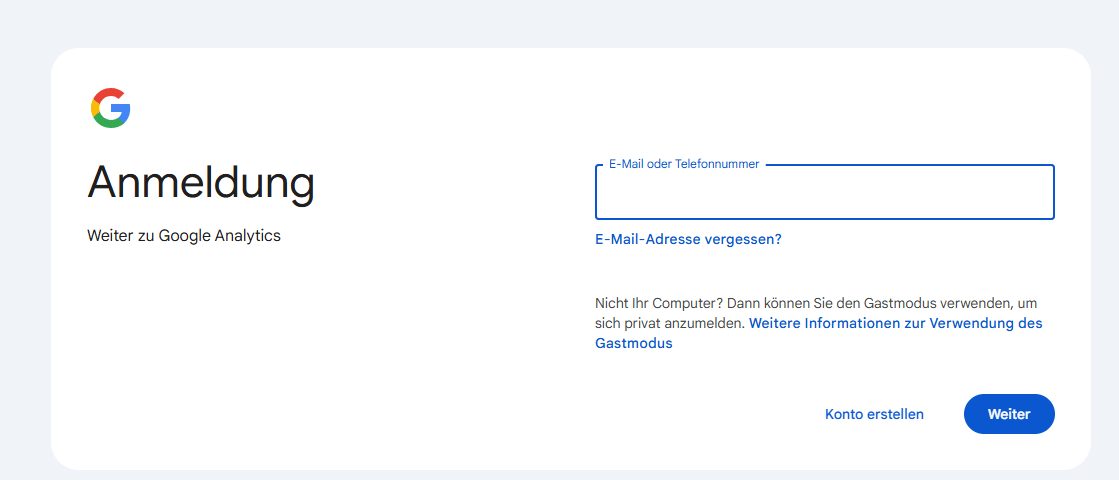
Step 2: Log in to your Google account
- Click the "Sign in" button in the top right corner of the homepage.
- Enter the Google account email address linked to your GA4 account.
- Click "Next".
- Enter your password and confirm again with "Next".
Step 3: Navigate to your GA4 account
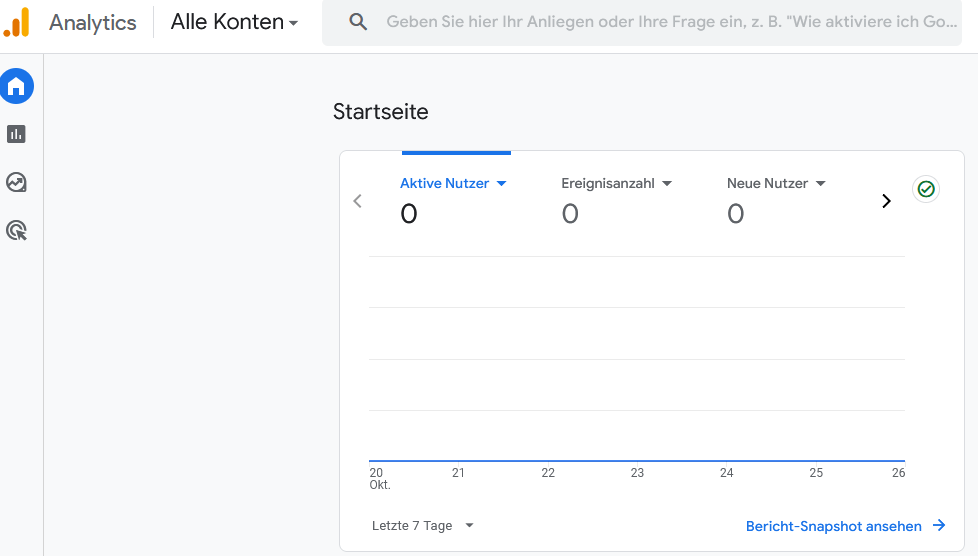
- After logging in successfully, you will be redirected to the Google Analytics homepage. (If you haven't set up an account yet, you will need to create one first.)
- Click the link to your installation's GA4 filter accounts.
- Find your installation in the list.
- Click the corresponding link on the right to access the filtered GA4 account.
Via Google Search
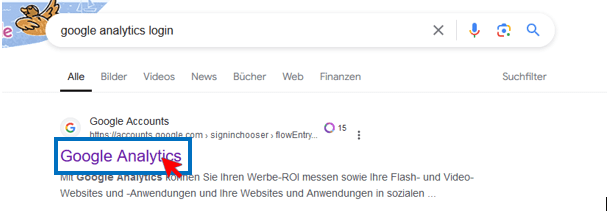
- Make sure you are logged into your Google account.
- Then search for "google analytics login" on Google and click the first result if it looks right. This method is not recommended, as search results can change.
Visibly AI: your SEO copilot
Projects, rankings, Search Console data and a copilot that runs the analysis for you. Start for free.
Congratulations!
You have successfully logged into your GA4 account and gained access to your desired property. From here you can explore the various reports, metrics and features of GA4 to get valuable insights into your website's performance.
Summary
Accessing your GA4 account is a straightforward process. With the steps described above, you can log in quickly and make use of web analytics to make data-driven decisions and optimize your online presence.
Part of the Google Search Console & Google Tools Series:
- Google Search Console Login
- Setting up a Google account, a guide
- Adding a user to Google Search Console, step by step
- Google Search Console Indexing Performance Checker (Script)
- Connecting Google Search Console and BigQuery, a guide
- Google Search Console, an overview
- Technical SEO: Finding 404 errors with Google tools
- Pages with redirects in Google Search Console
- Google Analytics 4 Login
How visible is your brand in ChatGPT and friends?
The AI Check shows you within minutes whether and how AI assistants mention your brand.

About the Author: Antonio Blago
SEO Freelancer & AI Visibility Expert
I optimize SEO data-driven with Python, behavioral psychology, and my Neuro-SEO System®. On YouTube, LinkedIn, and Instagram I share hands-on tutorials, insights, and SEO strategies.